Hold zkSync without holding a single key
Send ETH, swap tokens, and call smart contracts. Every transaction requires your device threshold to approve it, not one exposed private key.
Add zkSync to your Vault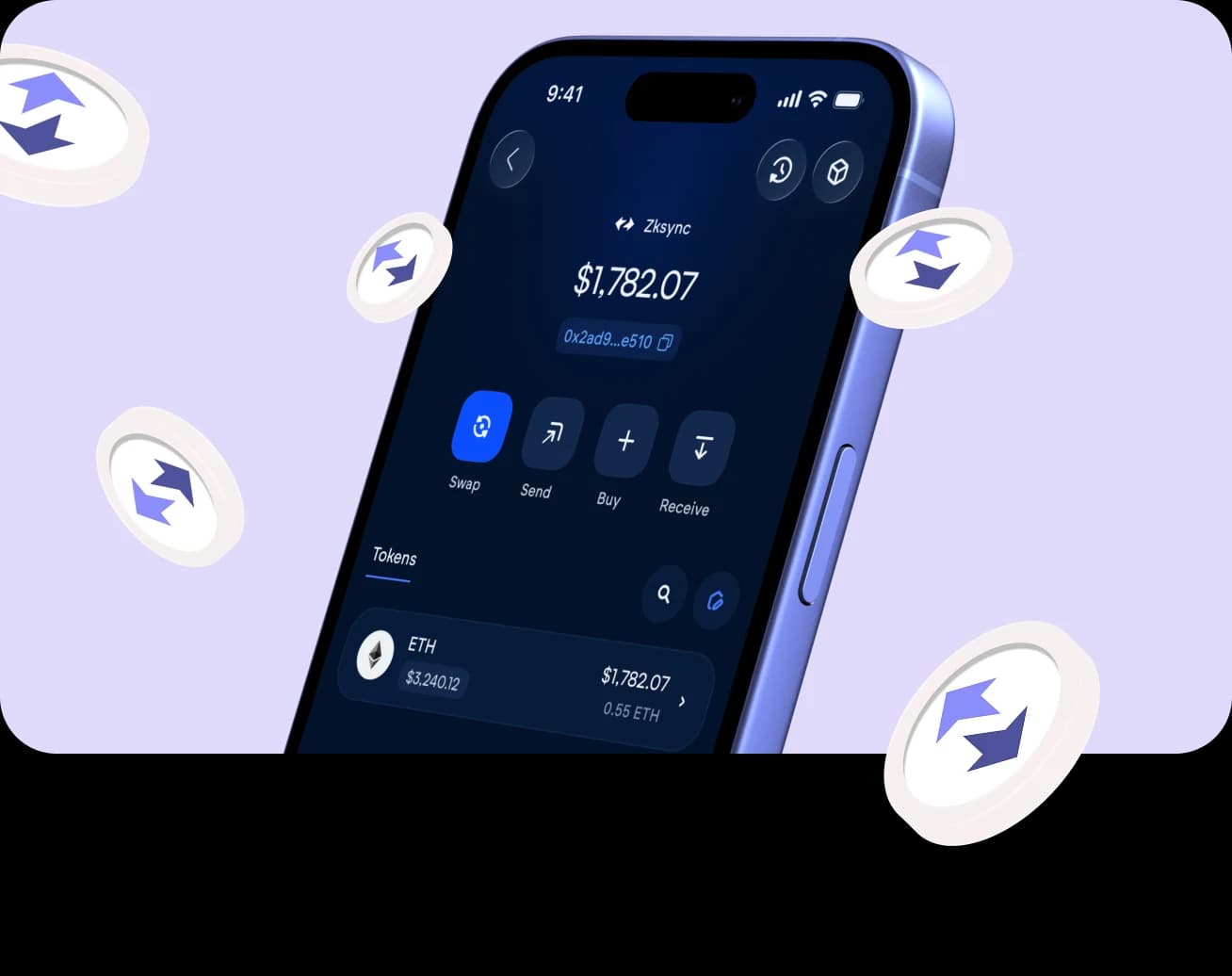
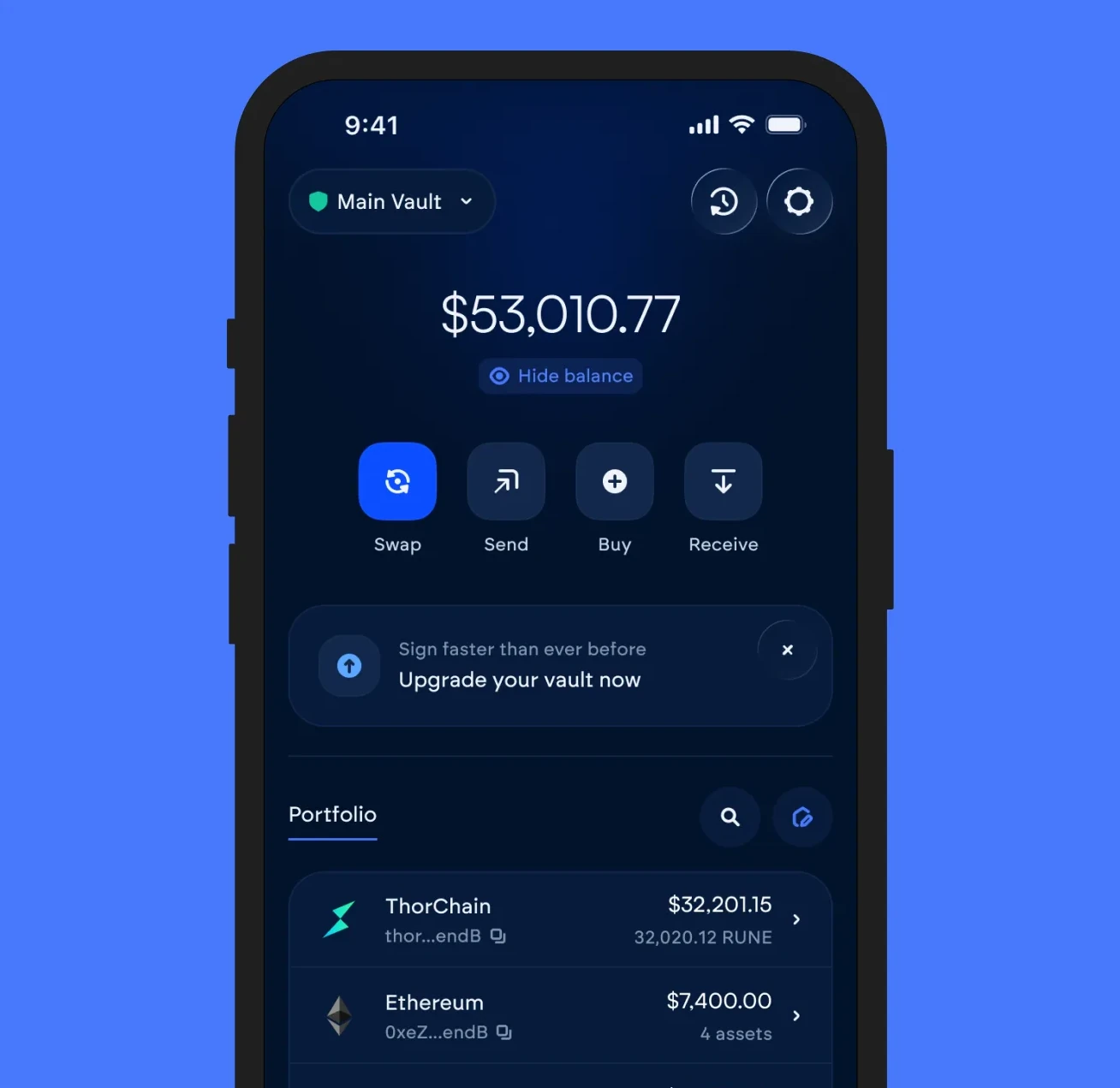
Your ETH and tokens, in one vault view
ERC-20 balances sit alongside native ETH in the same vault. No separate wallet needed for tokens.

EVM signing
Standard secp256k1 transaction signing, compatible with every EVM tool and explorer.

Smart contract calls
Approve, stake, or interact with dApps directly, with the same threshold approval as a send.

Token support
ERC-20 balances display natively alongside ETH, no separate import step.
Every action, one vault
Swap
Trade ETH for any other supported asset. No bridge, no separate app.
Send
Transfer to any address. Signing happens across your device threshold.
Buy
Buy ETH directly with a card or bank transfer, straight into your vault.
Function
Chain-specific actions like staking and deposits, approved by your threshold.
Receive
Share your address or QR code to receive funds into your vault.
zkSync on Vultisig, answered
More on zkSync and Vultisig
 Vultisig Weekly Update | March 13, 2026This week marked a definitive shift in the Vultisig ecosystem. While our cross-chain core continues to harden, the headline is clear: The Vulti Agentic Era has arrived.
 USDC Comes to VultisigVultisig is integrating Circle's Smart Contract Accounts (SCA) and native USDC tooling directly into the Vultisig self-custody wallet ecosystem.
 Self-Custodial Automation is Finally Here!It's live. The Vultisig Plugin Marketplace just shipped. The first on-chain, self-custodial, multi-chain automation marketplace ever built.